Practical guide
How to animate old photos with AI
To animate old photos, start with a clear digital copy, choose a movement that fits the people in it, and generate a short video. Evermova offers three ideas matched to your photo or a description you write yourself. The result is a new AI animation, not recovered footage of the original moment.
From a still photo to a moving memory
See the original beside its AI animation. These examples show possible results; the movement is generated, not a recovered recording.
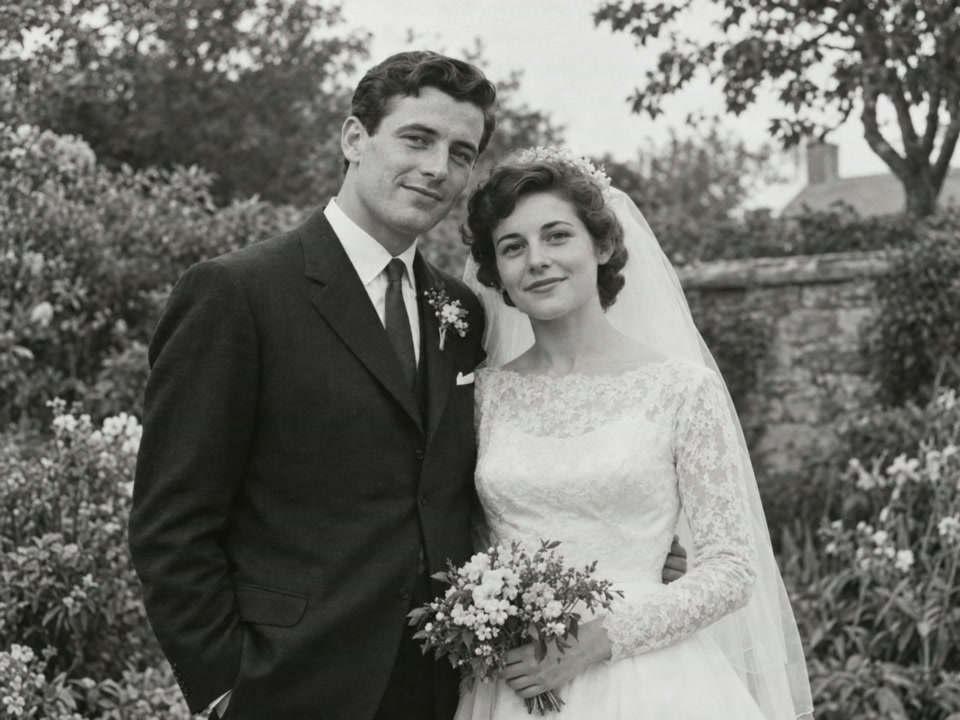
Choose the right memory
A portrait, a parent with a child, or a wedding photo can each suggest a different action. Pick a picture where faces and the intended gesture are visible. A small face in a large crowd gives the model less information than a close family portrait. Keep the original scan unchanged and work from a copy.
Keep the character of the photograph
Black-and-white and sepia photographs do not need to be colorized first. A clear source is more useful than heavy sharpening that invents details. If a tear crosses a face or a reflection hides the eyes, prepare a better copy before animation. Our photo preparation guide explains scanning, cropping and glare.
Choose the movement before paying
Upload JPG, PNG or WebP, review the three proposed movements, or write a clear action of your own. Specify who moves and what they do: “The father raises one hand and waves toward the camera.” Avoid asking every person to do several things at once. See our movement prompt guide for more examples.
Create, return and download
Sign in with Google or an email link. One 5-second Full HD video without sound costs €2.99; packs of five and ten cost €12.99 and €19.99. Each generation uses a paid video. You can leave and return to My videos using the same account. Download your MP4 rather than relying on permanent hosting.
Check the result thoughtfully
Look at faces, hands and the requested action. AI can change small details, and another creative version is a new paid generation. A confirmed technical failure without a video restores the reserved account credit. Use only photographs you have permission to animate, and describe shared clips as AI animations.